
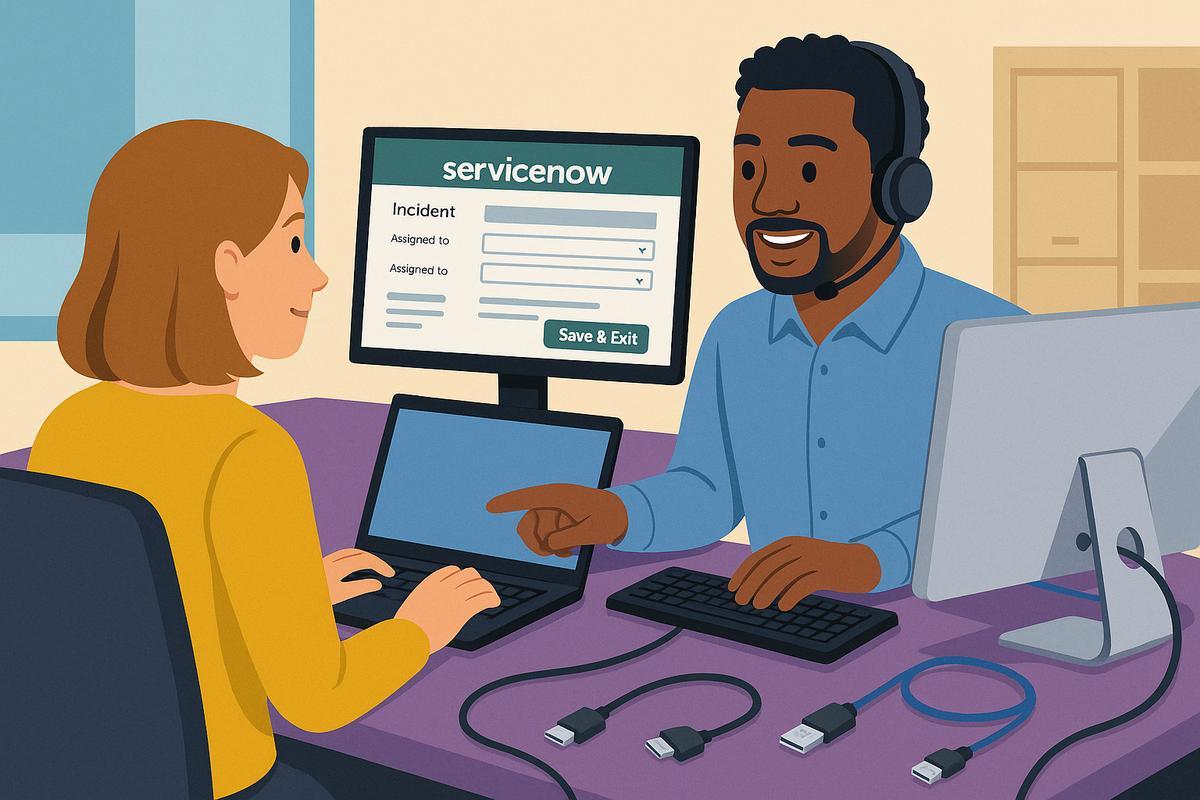
Part 1: So You Want To Be A 1st Line IT Support Engineer?
Thinking about a first line IT support engineer role? Learn what the job involves, key tools like ServiceNow and Active Directory, and how to prepare your first CV. Before you rush to update your CV on procvcreator.com, it helps to understand what the job actually involves and the tools you will see every day.
What does a 1st line IT support engineer do?
Day to day, a 1st line engineer is usually the first person a user speaks to when something is not working. 1st line it support duties:
- Answering calls, emails or chat messages from staff who need help
- Logging and updating tickets in a service desk system
- Resetting passwords and unlocking accounts
- Setting up new starters and basic access
- Installing approved software and updating existing devices
- Troubleshooting issues with laptops, printers, monitors, VPN and Wi Fi
- Escalating complex problems to 2nd or 3rd line teams
Your success is measured by how clearly you communicate and how reliably you follow processes, not by knowing everything from day one.
Incidents, tasks and ticketing tools
Almost every support team uses an IT service management tool (ITSM). The most common ones are:
- ServiceNow
- TopDesk
- SysAid
In these tools you will see two key words again and again:
Incident – something is broken or not working as expected. Example: "Cannot log in to email" or "VPN keeps disconnecting" or "Laptop screen cracked".
Task – a piece of work that needs to be done, often related to a request. Example: "Install Microsoft 365 on new laptop" or "Hardware Provisioning" or "Disable leaver's AD account".
For ServiceNow in particular, there are good beginner friendly videos that walk through incident management screens and real workflow examples.
Core software and systems you will see
Before writing your first CV for a 1st line role, it helps to at least recognise the following names and what they are used for:
User accounts and access
- Microsoft Active Directory – where user accounts, groups and passwords are managed in many companies.
- Microsoft Entra ID (Azure AD) – cloud identity used for Microsoft 365 and many SaaS apps.
Device management
- Microsoft Intune or Endpoint Manager – used to enrol, configure and secure Windows, macOS and mobile devices.
- Workspace ONE – another platform for device enrolment and provisioning.
Collaboration and office tools
- Microsoft 365 (Outlook, Teams, SharePoint, OneDrive, Excel, Word)
- Sometimes Google Workspace in smaller companies.
Remote support
- Remote Desktop, TeamViewer, LogMeIn, or similar tools that let you control a user’s PC.
There are full YouTube helpdesk labs that walk through tickets, Active Directory and common tools end to end, such as a 9 hour practical help desk course and updated helpdesk lab series for 2025
Hardware basics you should know
As a 1st line engineer you will often help set up desks, docking stations and monitors. You should be able to recognise these:
- HDMI – common video cable from laptop or dock to monitor or TV
- DisplayPort – similar to HDMI, often used with business monitors, sometimes with a clip on the connector
- USB C – small reversible connector used for charging, data and sometimes video to monitors
- Ethernet cable – looks like a large phone connector, used for wired network connections
You should also be comfortable with simple tasks like:
- Swapping or adding a monitor
- Plugging a laptop into a dock and connecting power, network and screens
- Checking that the monitor input is set to HDMI, DisplayPort or USB C as required
- Tidying cables so nothing is stretched or at risk of being unplugged accidentally
Before you write your first 1st line IT support CV
You do not need to be an expert, but you should not meet these words for the first time in an interview. Before you build or update your CV:
- Watch at least one practical helpdesk course on YouTube that covers real tickets, Active Directory and a ticketing tool.
- Make a short list of tools and terms you recognise – ServiceNow, Active Directory, Intune, Migration, Deployment, Build, Provisioning, HDMI, Ethernet and so on.
- Note down any labs, tutorials or mini projects you complete. These become evidence on your CV that you did more than just watch videos.
In Part 2 we will break down how to talk about this new knowledge on your CV and how procvcreator.com can help you present it clearly for recruiters and hiring managers.