
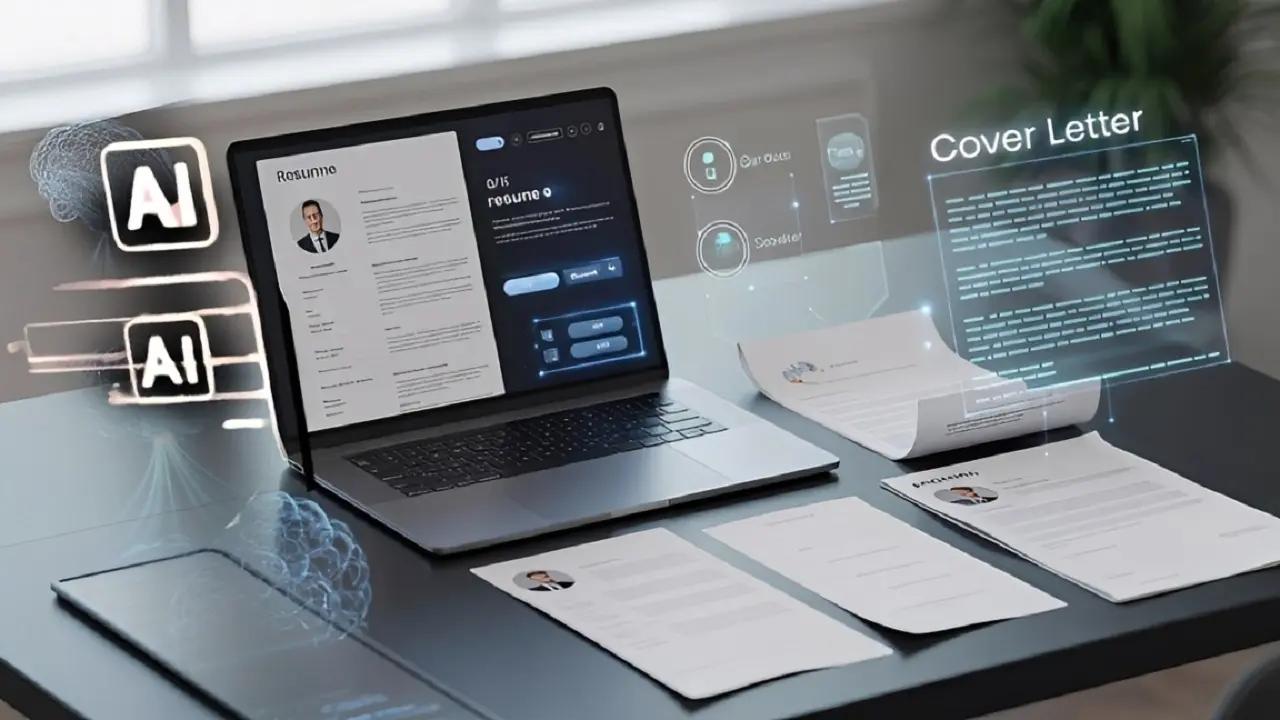
Master Your Job Application with ProCvCreator
In today’s highly competitive job market, your CV (or résumé) must appeal to two audiences:
- The Applicant Tracking System (ATS) — the software that screens applications.
- The human recruiter — who reviews the shortlisted candidates.
If your CV fails to impress the ATS, the recruiter will never even see your application.
ATS software scans and filters thousands of applications, searching for specific keywords and a clear, structured layout. Poor formatting or weak vocabulary can cause your application to be filtered out before a human ever reads it.
ProCvCreator bridges this gap by combining AI-powered writing assistance with customizable, ATS-friendly templates, enabling you to create a document that passes the filters and captures attention.
Step 1: Choose Your ATS-Friendly Foundation
The foundation of a successful application is a template designed for machine readability.
Visually appealing but complex layouts — with multiple columns, graphics, or non-standard fonts — can confuse ATS systems.
Action:
Log in to ProCvCreator and open the Template Library.
Focus:
Select one of the templates labeled “ATS-Friendly.”
These templates prioritize:
- Clean formatting
- Standard headings
- Sufficient white space
A clean, structured layout ensures your information is accurately extracted and ranked by the ATS.
Step 2: Conquer Writer’s Block with AI
Finding the right words for your experience can be challenging. Generic phrases such as “responsible for managing a team” add little value. Both the ATS and recruiters look for keywords and impact-driven phrasing.
Action:
When filling out sections like Professional Summary or Experience, use the AI Writer feature.
Focus:
Enter your target job title. The AI will:
- Suggest language based on current labor market trends
- Incorporate industry-specific keywords
- Help you rephrase bullet points for maximum impact and ATS alignment
Step 3: Quantify Your Achievements, Not Just Duties
Recruiters don’t want to read your old job descriptions — they want evidence of your impact. The difference between a duty and an achievement is measurable results.
Examples:
- Weak: Managed a sales team.
- Strong: Managed a team of 10 sales representatives, increasing quarterly revenue by 35%.
Whenever possible, include numbers, percentages, or timeframes to highlight your results.
Step 4: Tailor Your CV with the Cloning Tool
Applying for multiple jobs using the same CV is a common mistake. The most successful candidates customize their CV for each role.
The CV Cloning feature in ProCvCreator eliminates the need for tedious manual edits.
Action:
Create a base CV, then use the Clone CV function to duplicate it.
Focus:
For each cloned version:
- Insert keywords directly from the new job description.
- Use the AI Assistant to fine-tune your summary and experience.
- Emphasize the skills and results most relevant to that role.
This targeted approach significantly increases your ATS score and interview success rate.
Step 5: Final Review and Download
Before submitting your CV, conduct a final quality check.
Proofread:
Even with AI assistance, manually review your document for:
- Grammar
- Consistency
- Readability
- A flawless CV demonstrates attention to detail.
Format Check:
Use ProCvCreator to download your finalized CV.
Choose PDF or Word (.docx) to preserve formatting and ensure compatibility with all ATS platforms and human reviewers.
Ready to Stop Getting Filtered Out?
Take advantage of AI-powered precision.
Start building your perfect, ATS-optimized CV today with ProCvCreator.